Projects
Hyperspace 403
Hyperspace 403
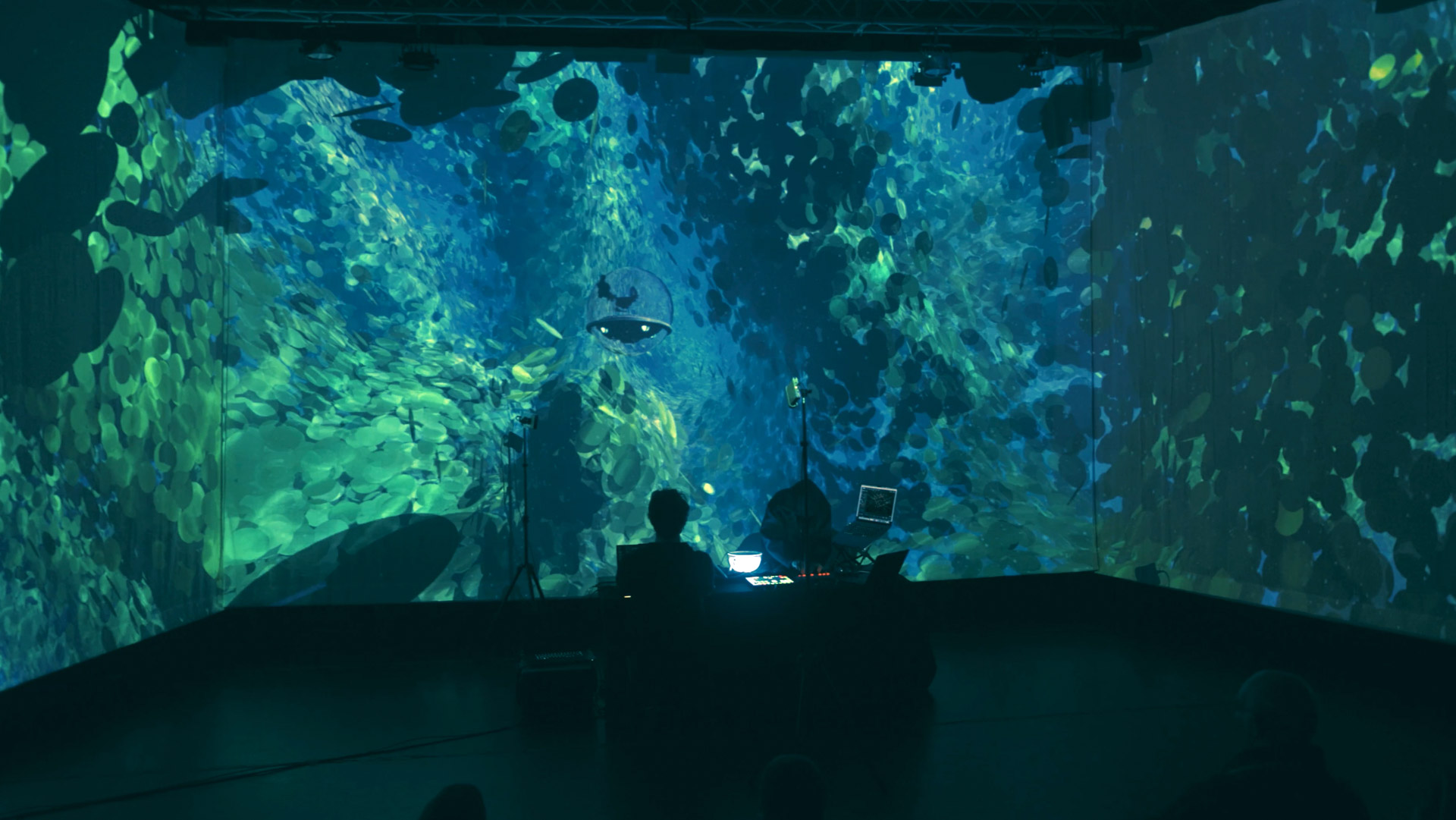
An immersive experimental animation that explores storytelling with interactive elements.
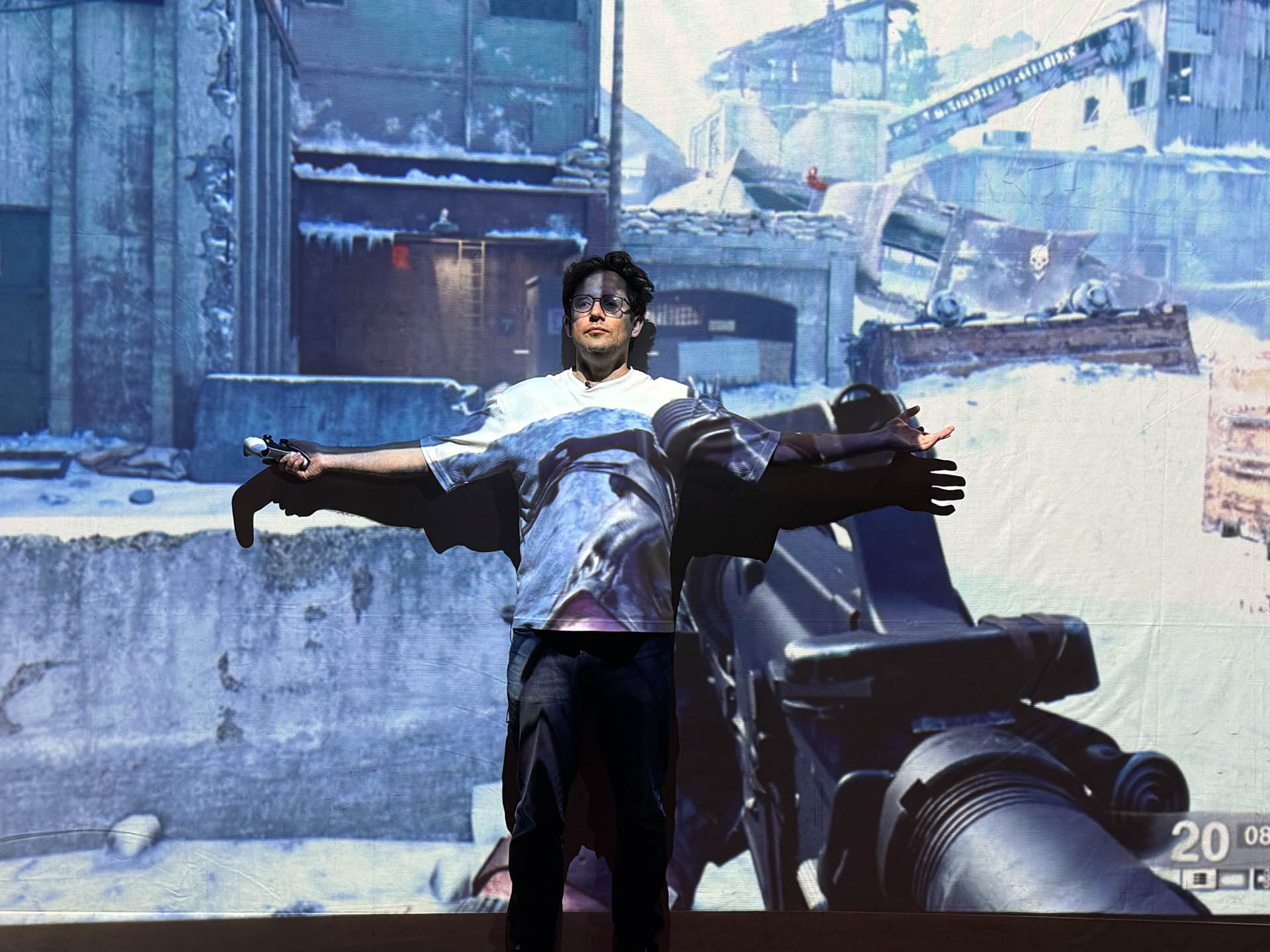
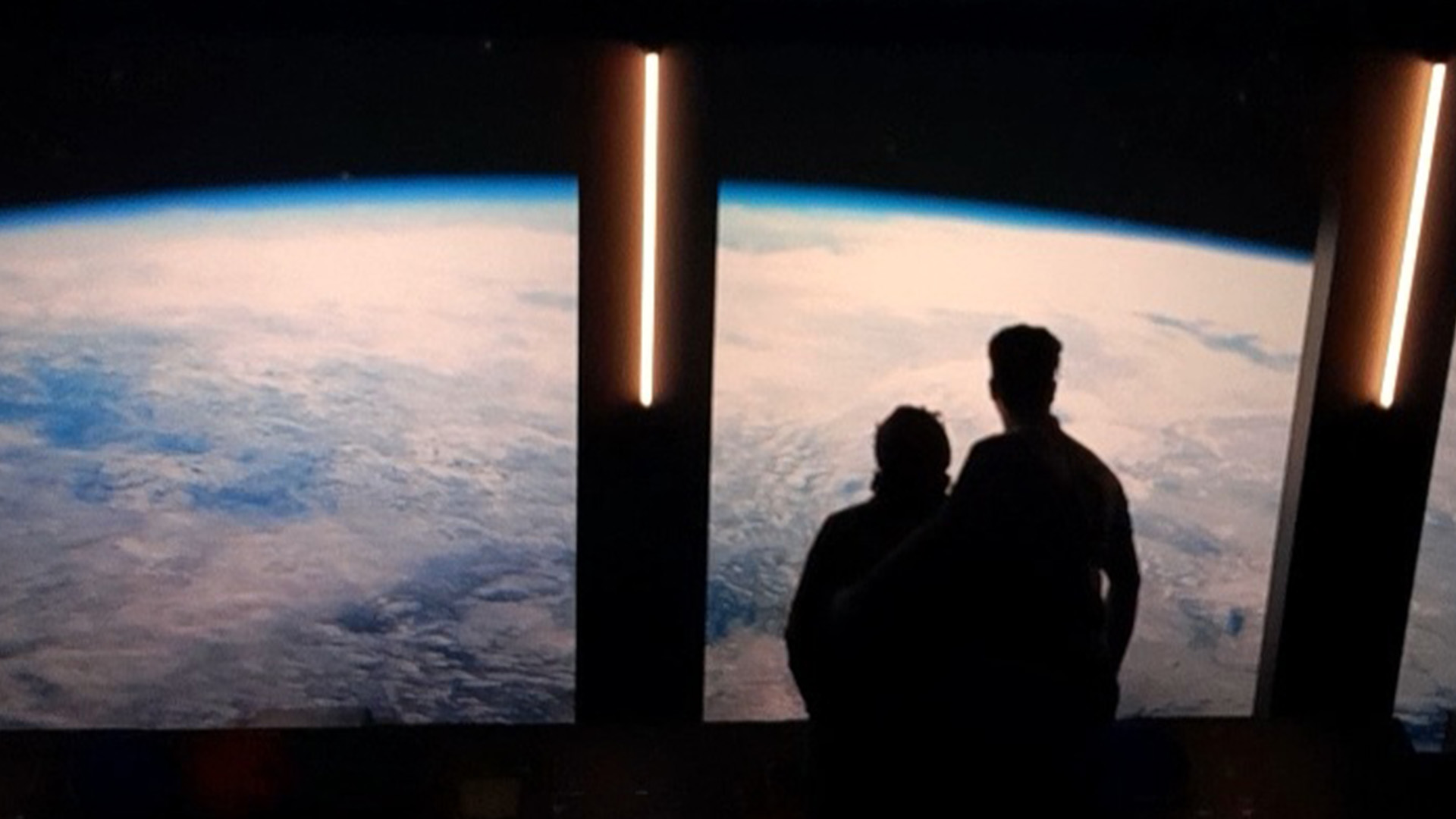
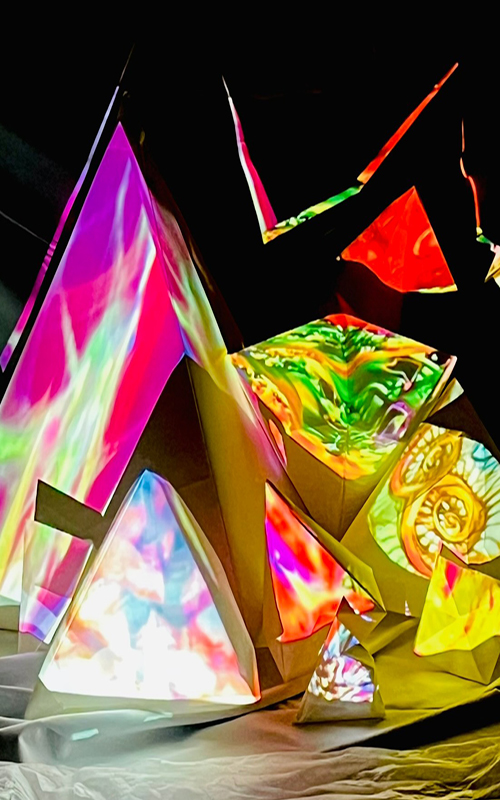
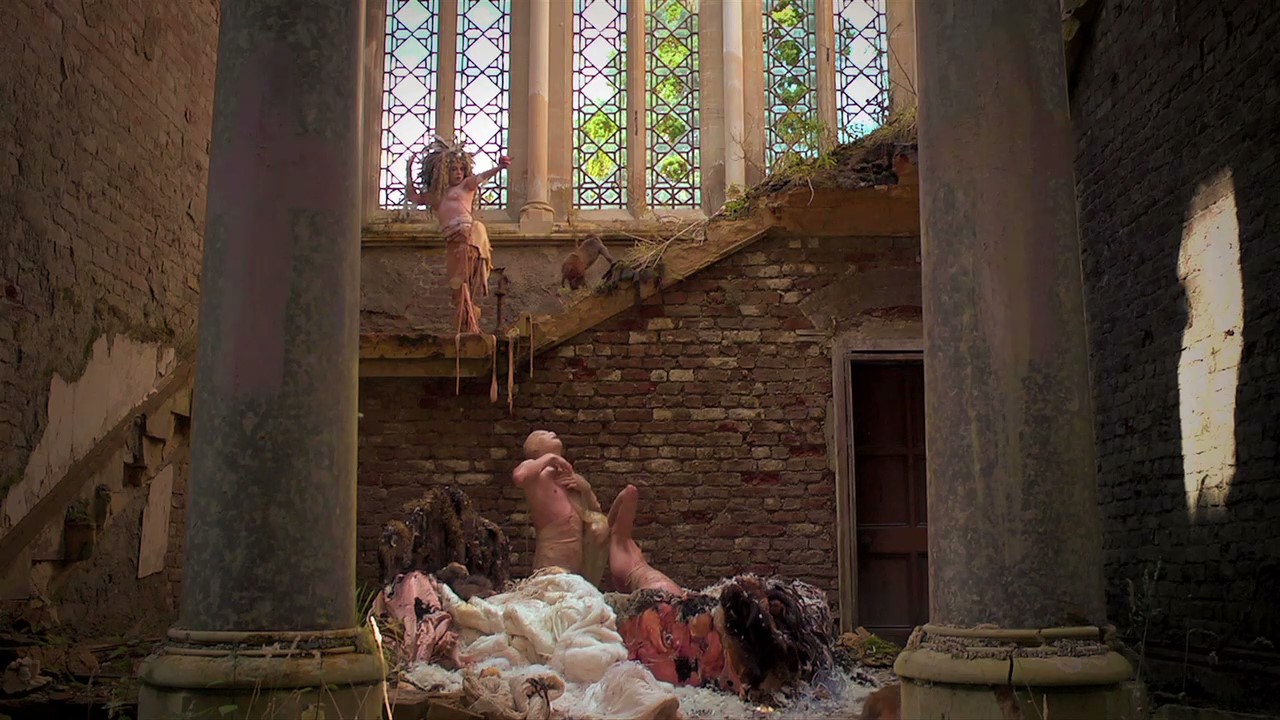
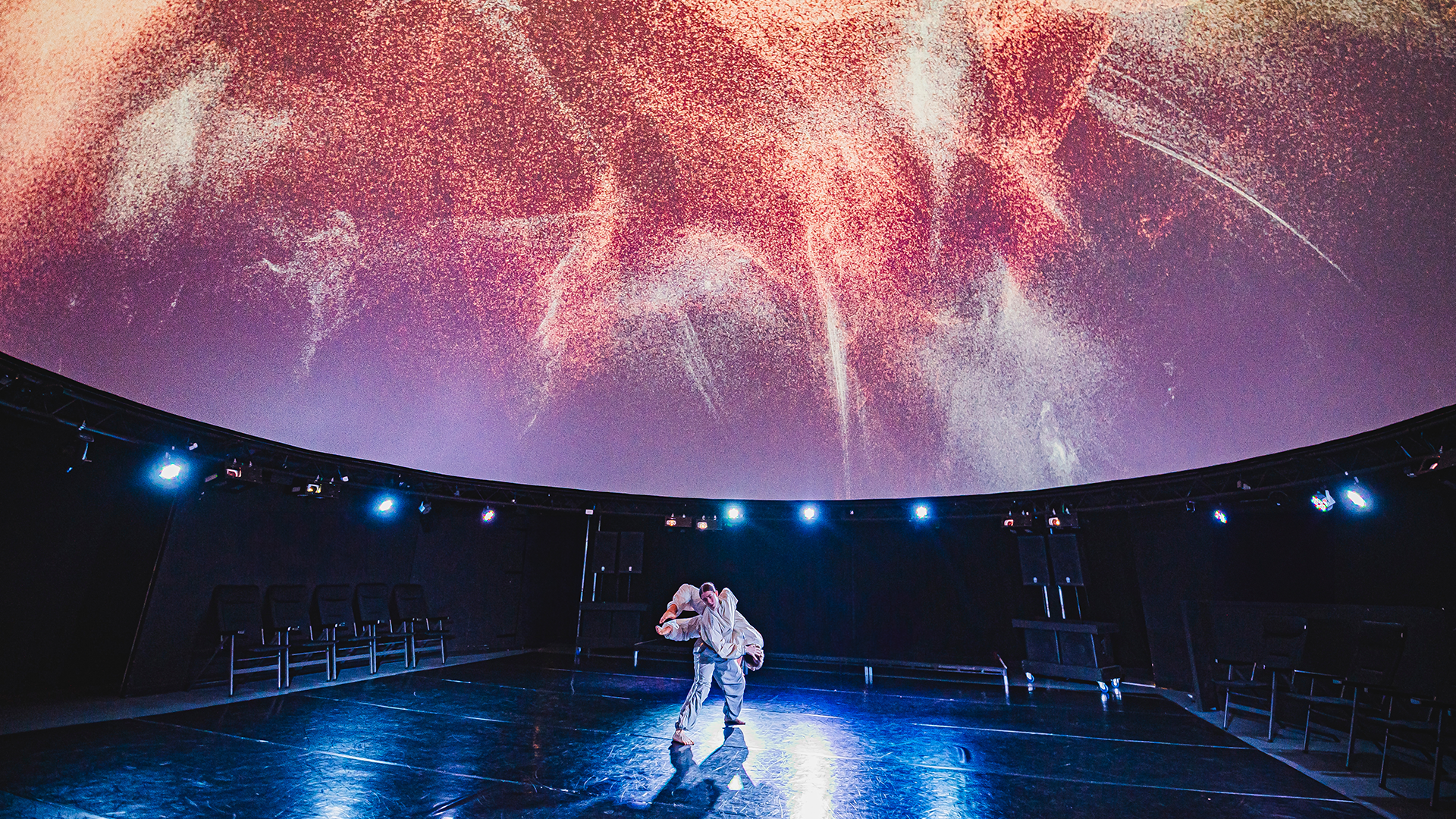
Hyperspace 403 is an immersive experimental animation that blends digital and physical storytelling.
It explores the boundaries between screen-based animation and spatial experiences using innovative visuals and interactive components.
Experiment
£20,000
Aims of the Project
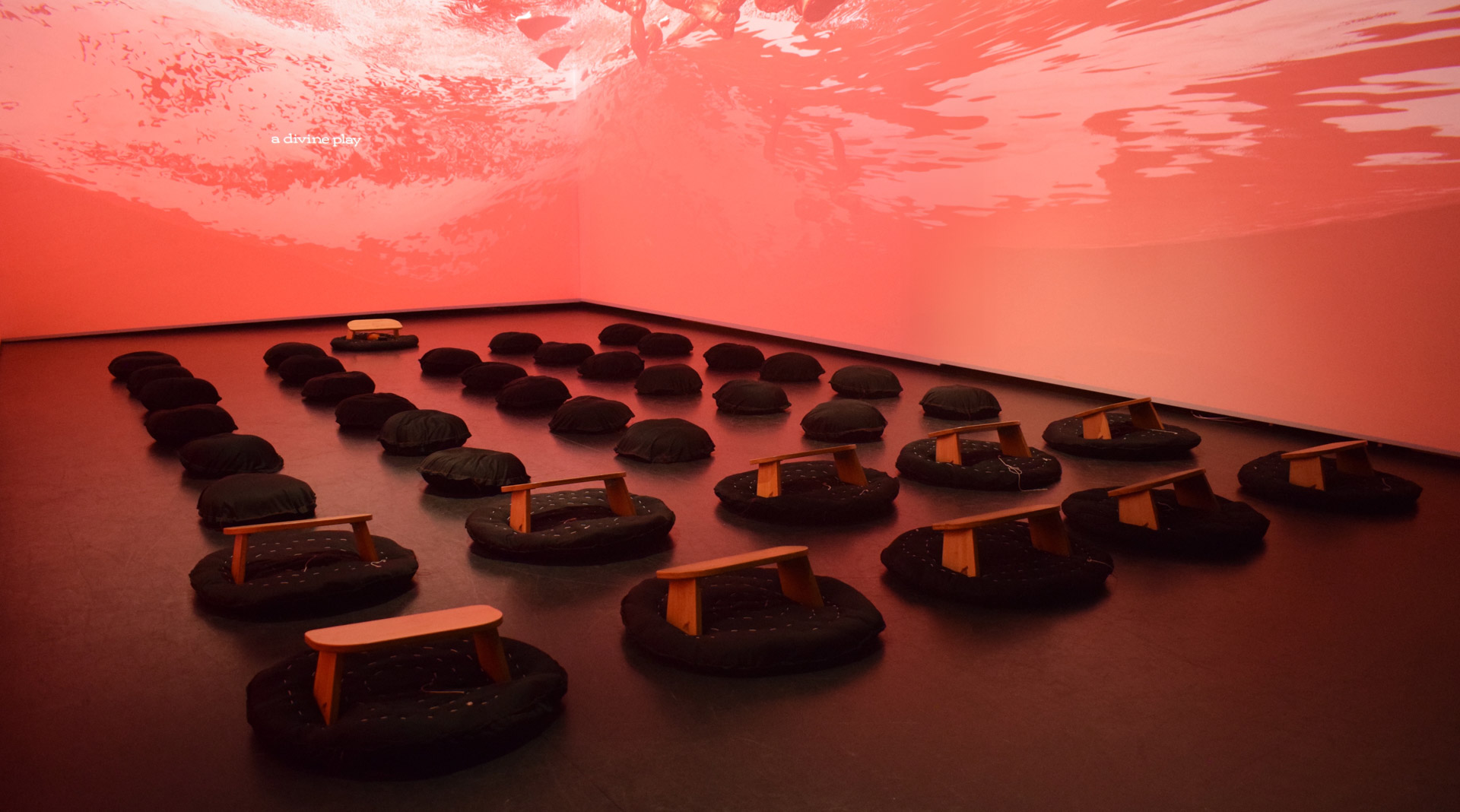
This funding will support my exploration of immersive animation within a gallery environment, allowing me to experiment with storytelling beyond traditional screens. The project will serve as a testing ground for multi-sensory animation, integrating looping sequences, sculptural elements, and interactive technologies to create a spatial experience.
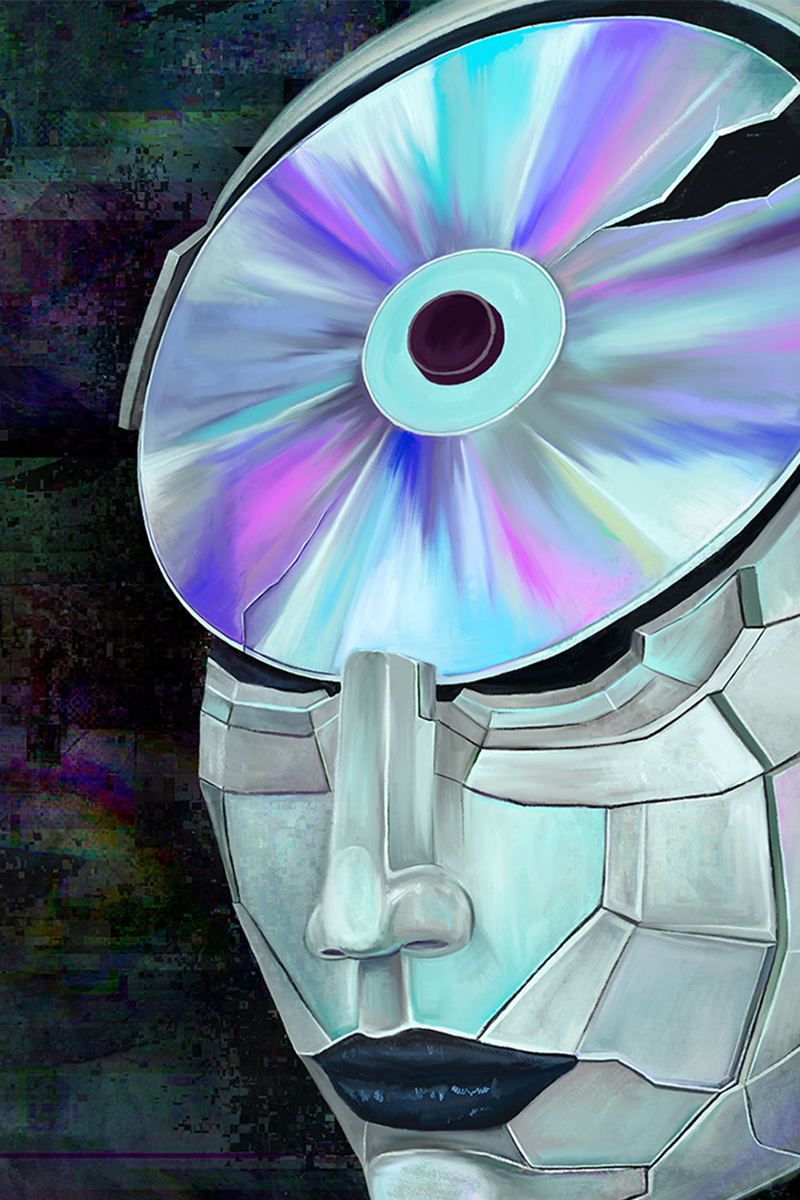
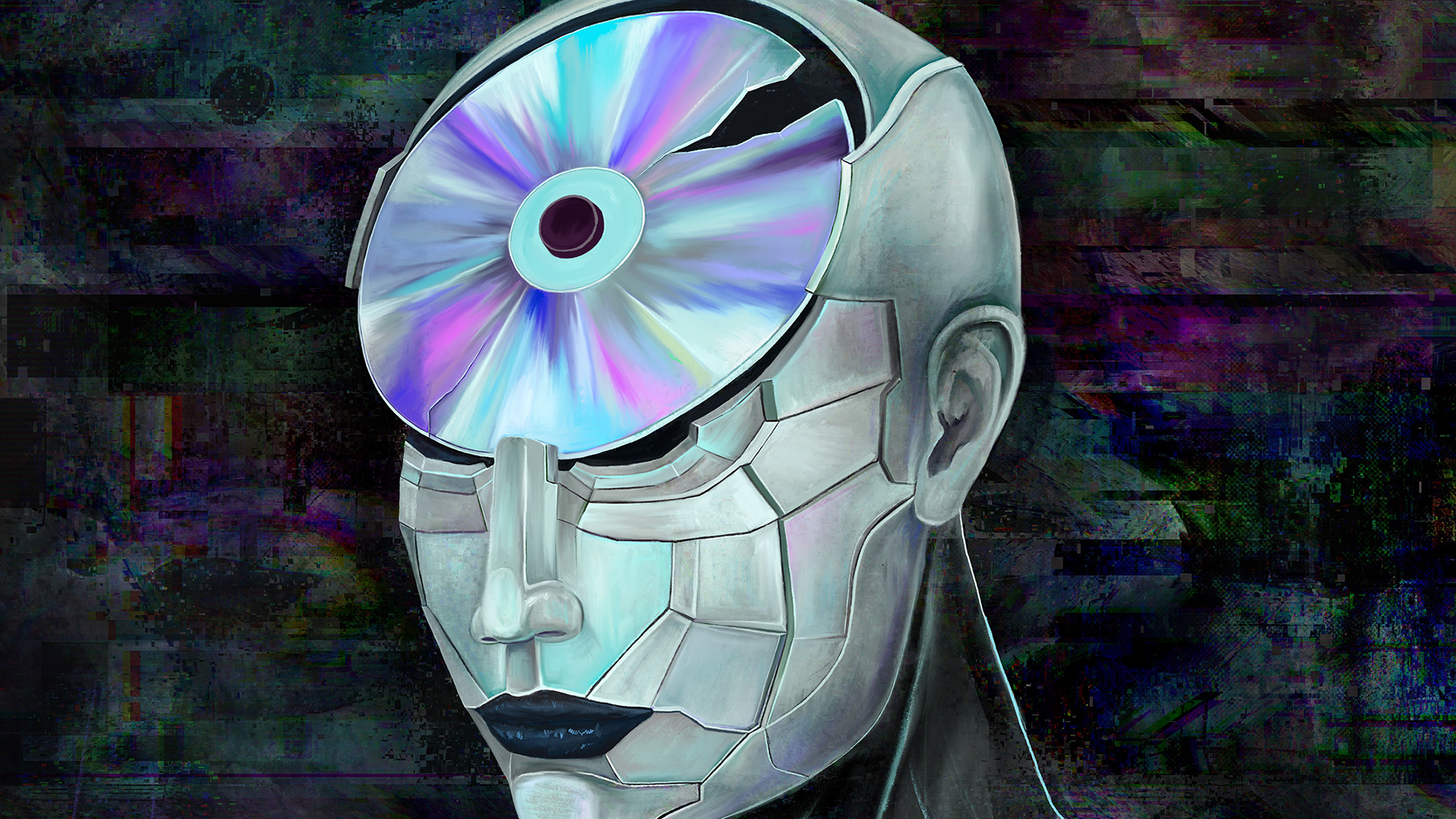
The project centres on a protagonist, a cyborg with a broken CD brain. This R&D period was technology-driven, and I was researching through making to understand how computer systems behave. Because the cyborg is an avatar for how I feel, the design logic is emotion follows form, and meaning follows the materiality of obsolete objects. To world build Hyperspace 403, I need a deeper understanding of how computer data works, paired with my knowledge of human anatomy and psychology.
Once I have a deeper understanding of how the tech works, I can show the labour that is usually hidden in a Brechtian way, then use the function of the technology as meaning. Meaning drives the emotion of the immersive experience.
How did they do that?
VR for beginners in an installation context
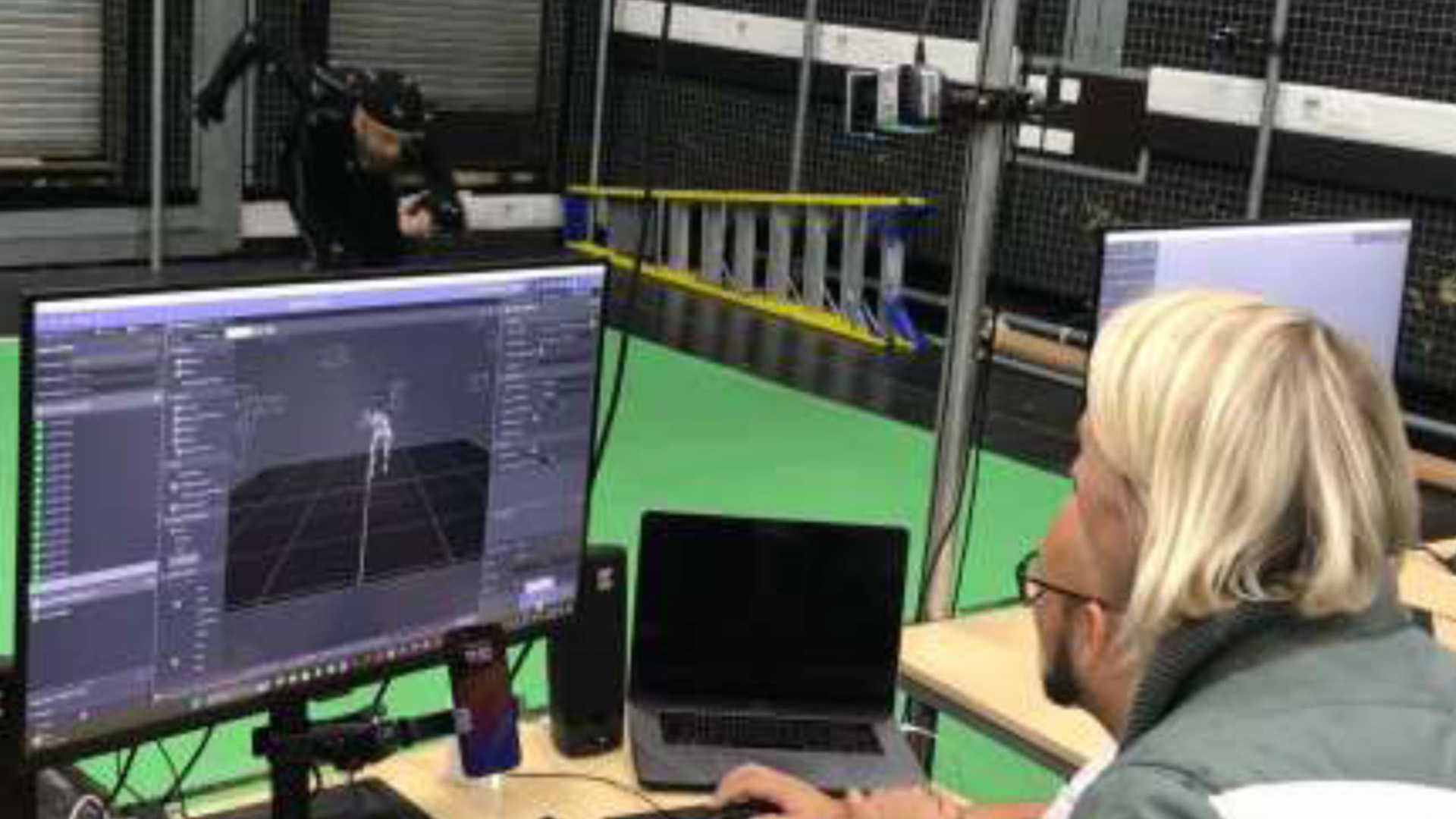
A significant part of this R&D was not just making content, but learning how to reliably run PC VR. The main challenge was the invisible setup: getting the headset, PC software, GPU drivers, and VR runtimes to work together consistently. I used Meta Quest PC VR via Link / Air Link, which requires installing the Meta Quest PC app, pairing the headset, and choosing a wired or wireless connection before launching VR applications.
For artists who do not use PCs regularly, GPU setup can be a major friction point. At times, reinstalling the Meta Quest PC app was necessary to resolve connection or detection issues. When viewing the computer screen inside the headset, it was also important to ensure the same GPU was being used by both the Meta Quest software and the application itself; mismatched GPU usage could prevent the display from appearing correctly in the headset.
A key milestone was achieving a stable loop: headset connected, SteamVR launching correctly, and the project running without constant disconnects or tracking issues. Many issues came down to configuration friction, particularly OpenXR runtime settings. If the system was using the wrong runtime, VR applications would fail to launch even when everything else appeared correct.
Because this was an R&D project, mistakes were expected. I addressed issues by treating VR setup as a checklist: confirm GPU drivers, confirm the Meta Quest PC app, confirm the PC VR link, confirm the OpenXR runtime, and only then troubleshoot the project itself.
For Blender users prototyping a low-fidelity VR film using 360 video, I found the eeVR add-on especially useful. It allowed Blender scenes to be rendered directly as 360 output, making it possible to test spatial composition and pacing before committing to a real-time VR pipeline.
Choosing the right game engine
During this funding period, a major focus was choosing the right game engine for the project. Because many TouchDesigner tutorials and examples are built around Unreal Engine, I initially spent time learning and testing Unreal. At the same time, I was hesitant about Unity because of its earlier pricing changes, which created uncertainty in the community and pushed me to try other engines instead of committing early.
As I began working with my actual setup—combining VR and screen-based installation—I realised Unreal was not the right fit for this project. Through testing, I saw the beauty of a standalone VR headset experience combined with PC VR, and how that could sit alongside screen-based interaction in an installation context. This balance was harder to achieve in Unreal, whereas Unity allowed both approaches to exist within the same workflow more naturally.
I eventually found that Unity worked better for my needs. TouchDesigner OSC integration with Unity was much simpler to set up, especially when moving between VR and non-VR screens. Unity’s VR workflow was also more approachable for beginners, which made testing and iteration easier. In addition, tools like Playmaker made it possible to build interaction logic through visual scripting rather than code.
Although the pricing controversy initially put me off, my project would never reach those thresholds, and in practice Unity turned out to be the most practical choice for this artwork. The main takeaway was that the right engine is the one that supports both the artistic experience and the installation setup without forcing unnecessary compromises.
Screen based interactive installation
During this phase, I tested different ways of connecting software across the pipeline, including Blender, UPBGE, and TouchDesigner’s native 3D system. While TouchDesigner’s 3D tools were useful for certain visual tests, I found them limiting when trying to maintain a consistent game-like loop and interaction structure.
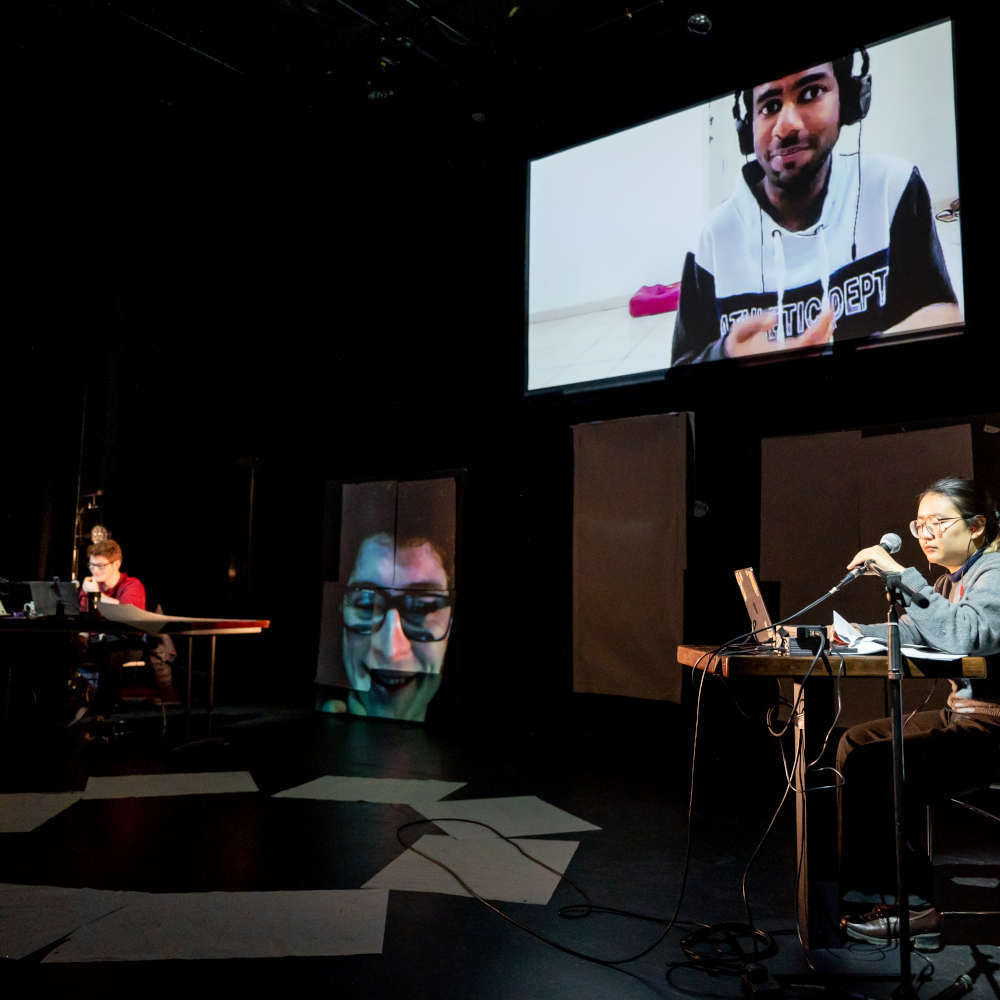
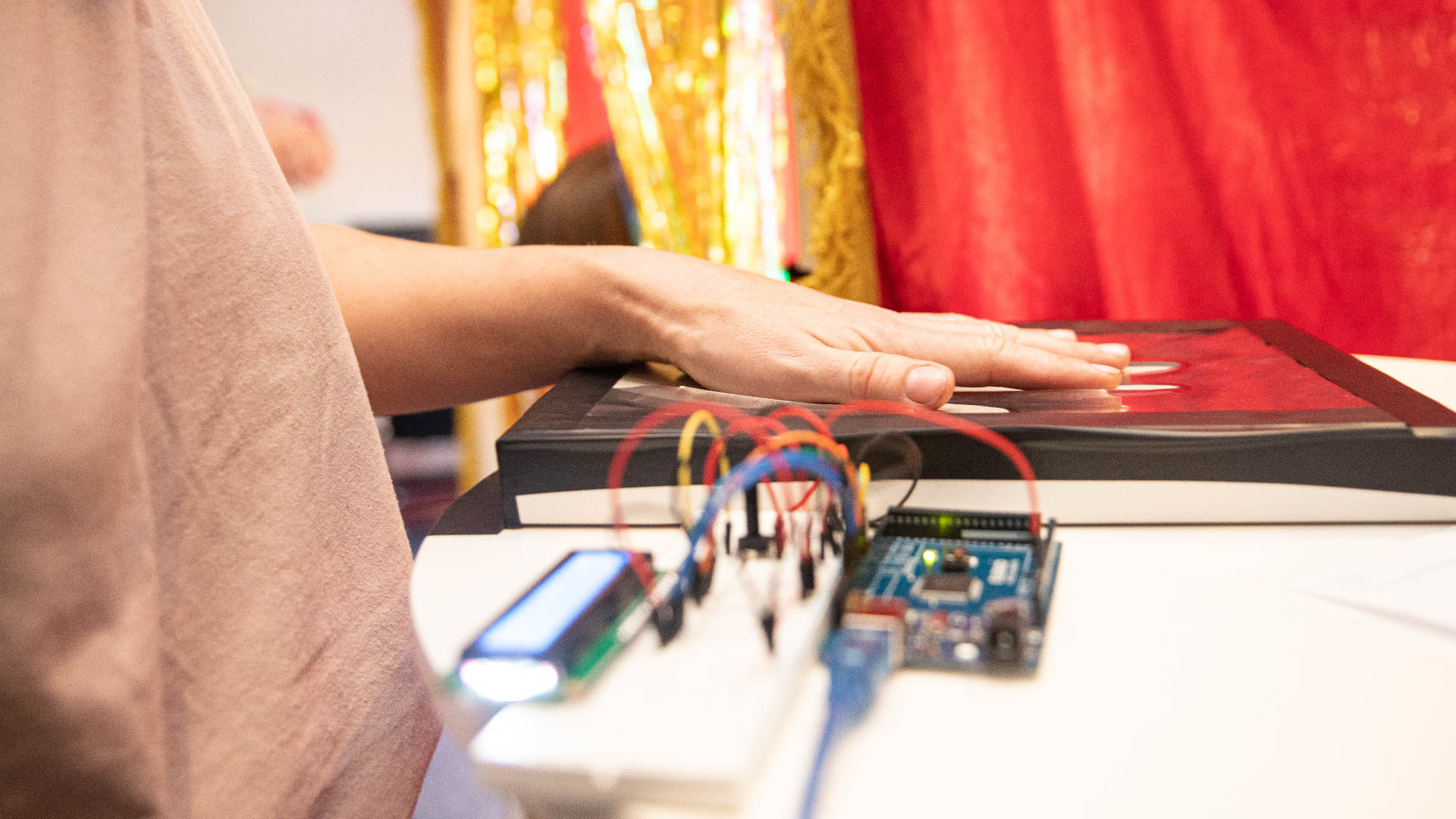
The turning point was using TouchDesigner as a control and communication layer rather than as a 3D engine, and connecting it to Unity via OSC. This was a major relief in the process. TouchDesigner could focus on interaction logic and system control, while Unity handled the real-time 3D environment more reliably.
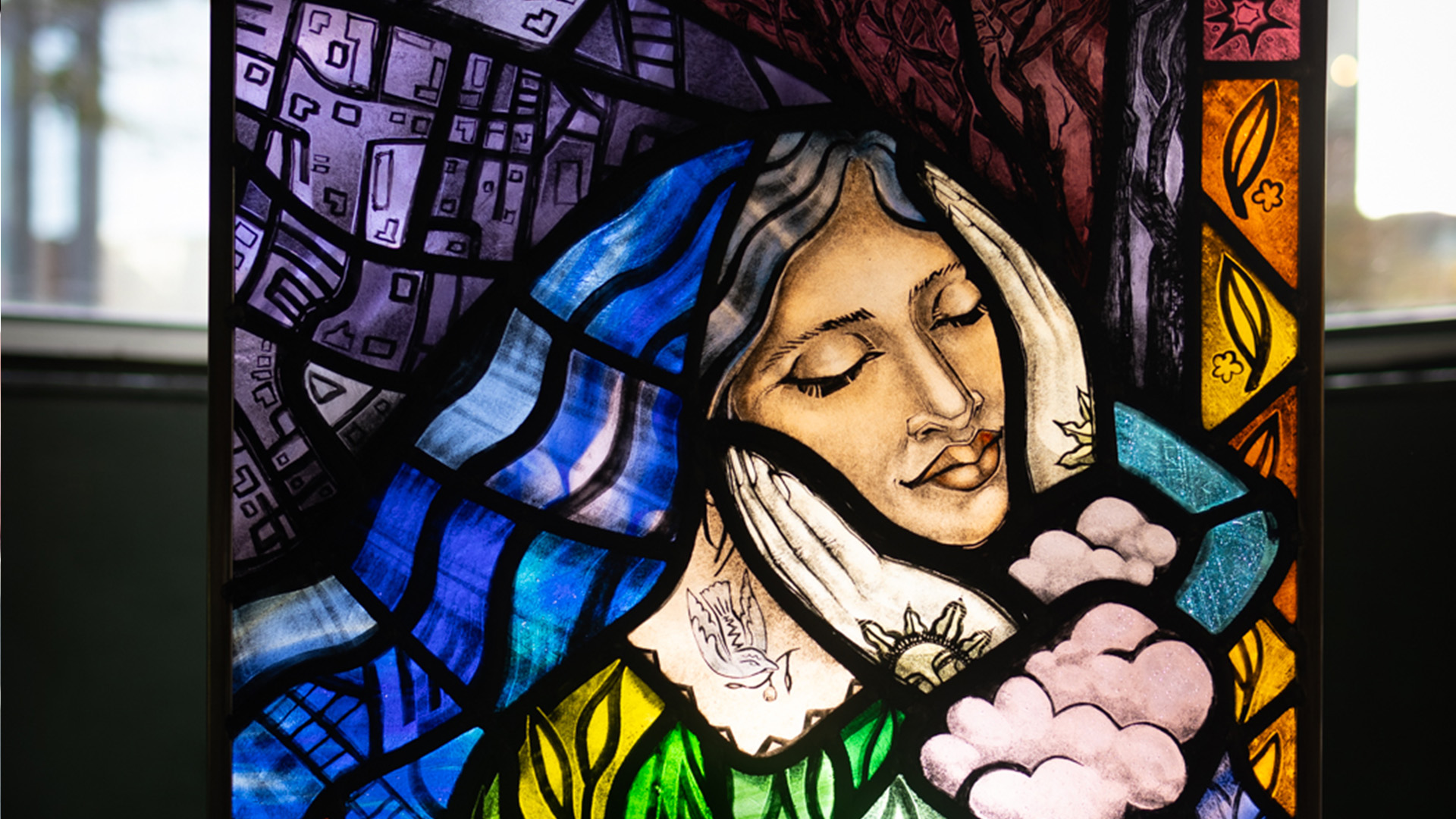
This decision was especially important for my practice. Because I create my own hand-painted assets, simplifying the technical stack mattered. Using Unity meant I could focus on learning and working within one game engine, instead of splitting attention across multiple 3D systems. This resulted in a clearer workflow and more time spent on the artwork itself rather than technical workarounds.
"I’m really grateful for the Immersive Arts programme because it gave me the rare chance to step away from my day job, focus fully on my practice, and experiment with ideas I never had time to explore before—and now I’m able to carry that learning forward and share it with others".
Meet the artist
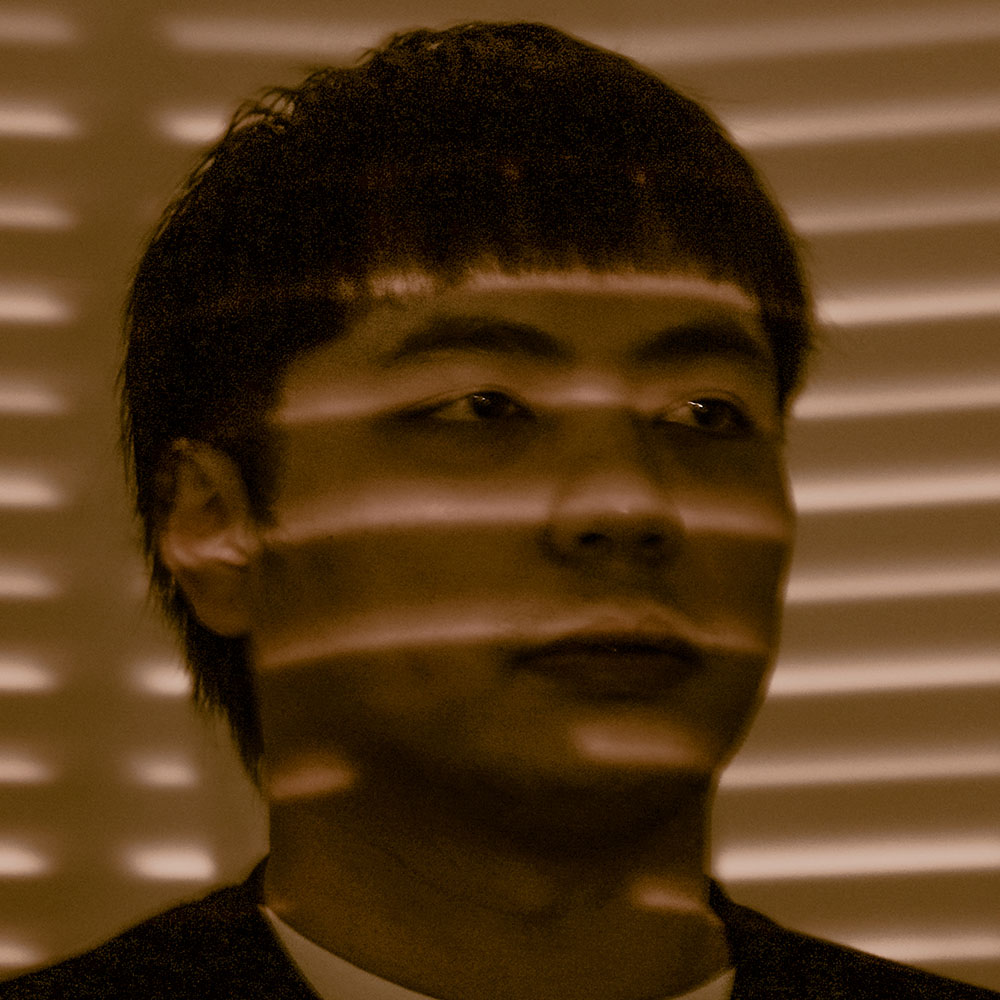
Ben Alderman 林文彬 (Lin Wen-Ben)
Lead Artist
Ben Alderman aka 林文彬 (Lin Wen-Ben) is an American moving image artist born in 臺中市 (Taichung City). He holds an M.A. in Experimental Animation from the Royal College of Art and a B.F.A. in Fine Art from the Rocky Mountain College of Art + Design.
His work has been showcased at BAFTA-qualifying festivals such as the London Short Film Festival and Bolton Film Festival, featured in New American Painting #132 and Leon Gallery, and commissioned for animated public art projects by Denver Digerati and Night Lights Denver.